

Radar Engel Algılama
SSS, Teknik İpuçları ve Diyagnostik İş Akışları
SSS
When using the BS-8000 configuration software what would cause the “No Valid COM port” error message to show?
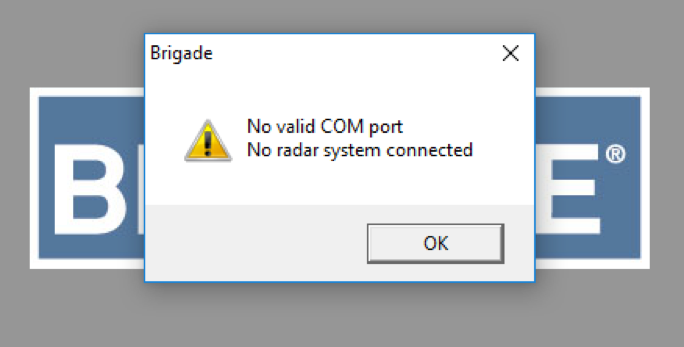
A) Correct software installed & activated:
- Ensure the PL2303_Prolific_DriverInstaller, USB to the serial prolific driver, has been installed. This can be downloaded from Burada in the .ISO file you will find the “Driver” folder which contains the required driver.
[If an error occurs when using Microsoft Windows 11 check out the corresponding Tech Tips Burada.]
- The radar system must be active (green status LED illuminated) to allow a connection.
B) There is a system error, possible issues:
- Sensor or extension cable not connected.
Action: Check all connectors are plugged together fully. - No data connection between sensor and display.
Action: Check for damage on connectors and cable. - No power connection to the sensor.
Action: Check for damage on connectors and cable. - Data corruption in the sensor.
Action: Consult Brigade for advice.